
System Restore can help recover your computer after system changes, and here's how on Windows 11.
How to do a System Restore on Windows?
- Open Start.
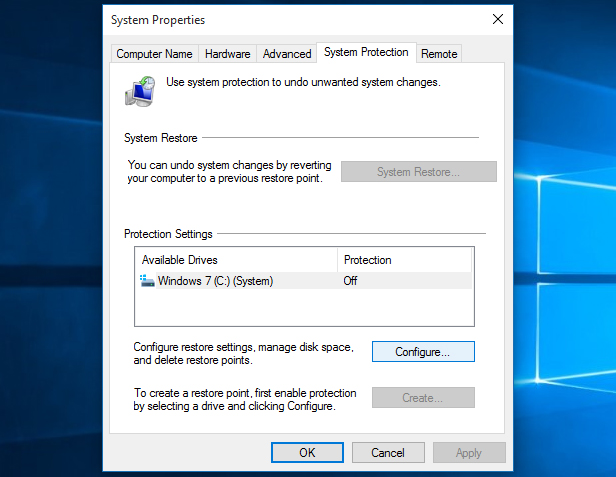
- Search for Create a restore point, and click the top result to open the System Properties page.
- Click the System Restore button.
- Click the Next button.
- Select the restore point to undo changes on Windows 11.
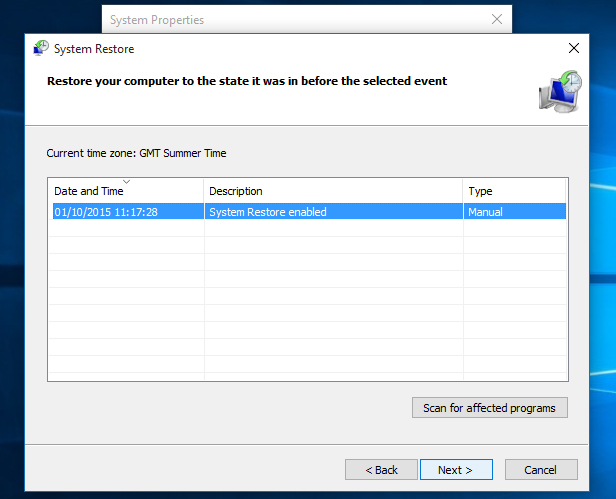
- Click the Next button.
- Click the Finish button.
